
Security
Moving your authenticator to a new phone
New phone, same account. How to move two-factor authentication across without locking yourself out, and what to do if the old phone is already gone.
Before you wipe the old phone
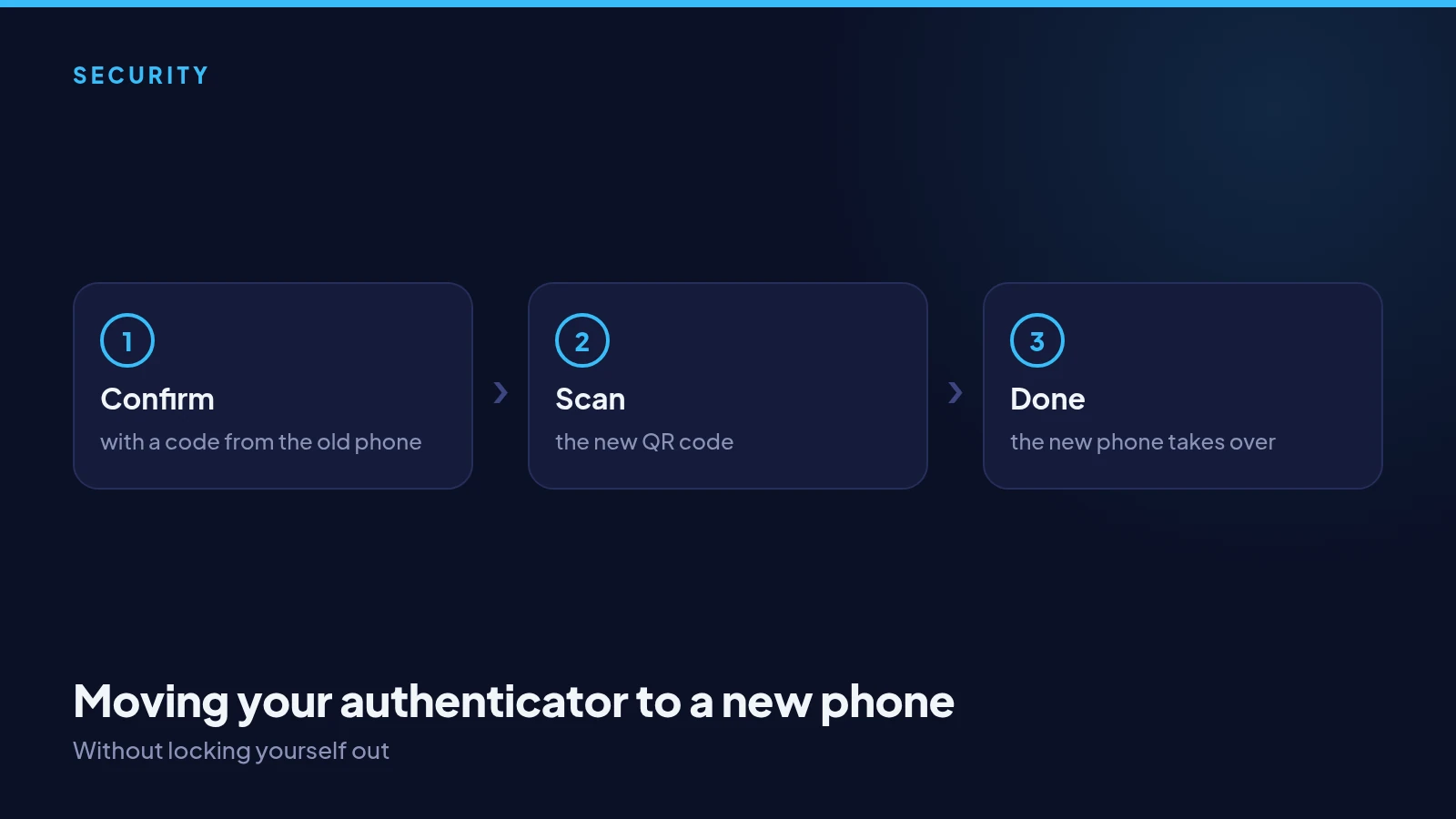
Move your authenticator before you reset or hand in the old phone. In Settings, choose to move two-factor authentication to a new phone. You will be asked for a code from the app you use now, which proves the request is really yours.
Setting up the new phone
Scan the new QR code with the authenticator app on your new phone, then enter the six-digit code it shows. From that moment the new phone is the one that works, and the old one stops. It takes about a minute.
If the old phone is already gone
Sign in with one of your recovery codes instead of the app code. Once you are in, set up two-factor authentication again on the new phone. If you have lost both the phone and your recovery codes, contact support and we will guide you through checking it is you.
Worth doing at the same time
While you are moving phones, move the authenticators for your email and your exchange too, and check your recovery codes are still somewhere safe. A new phone is the moment most people discover they cannot get into something.