
Security
Public Wi-Fi and shared devices: staying safe away from home
Cafés, airports, hotel business centres and a friend’s laptop are all places people sign in without thinking. A few habits keep your account yours wherever you play.
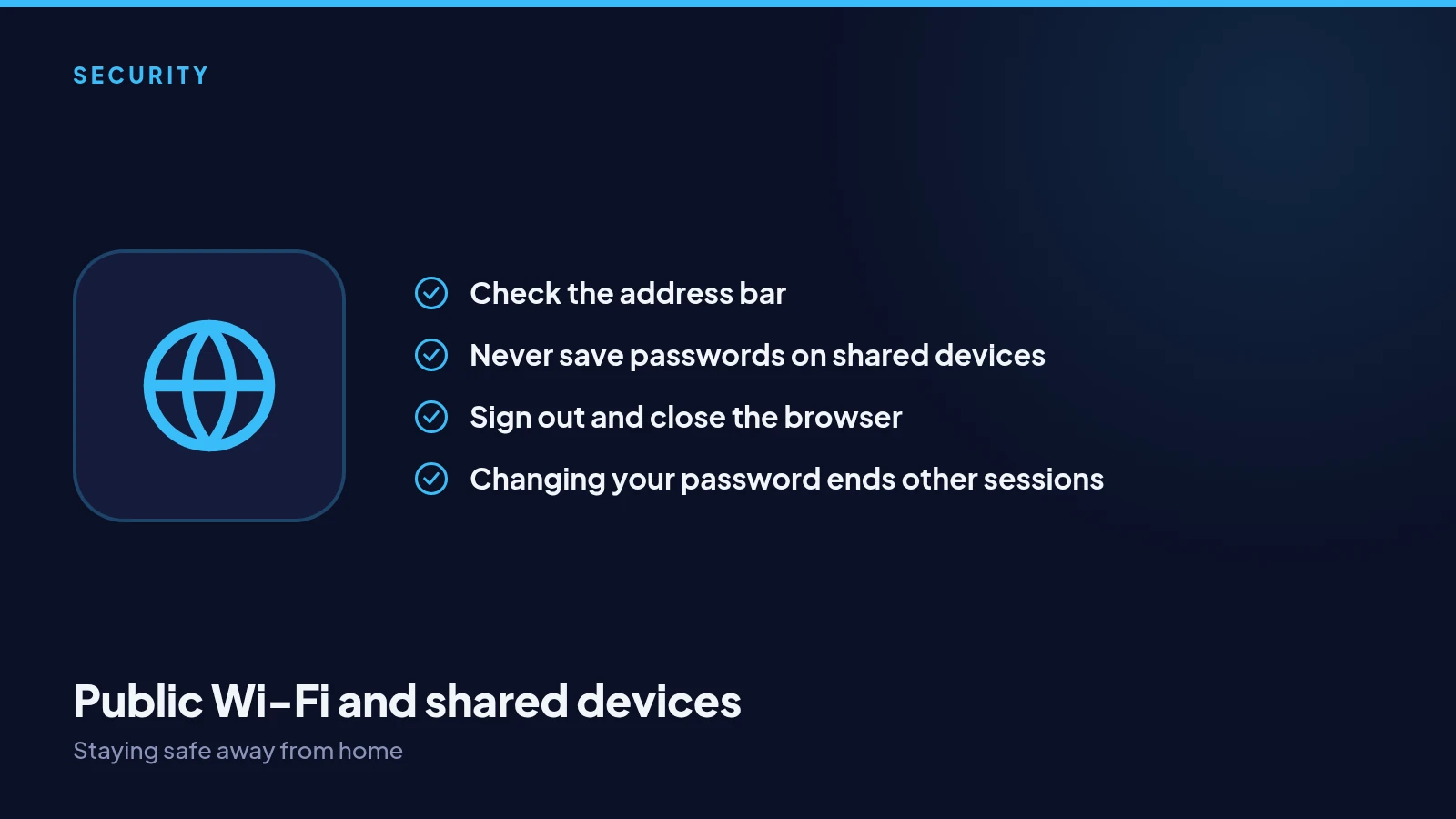
On public Wi-Fi
fourdigits is always served over an encrypted connection, so what you do is not visible to others on the same network. The bigger risk is a fake network with a convincing name. Connect only to networks you can confirm with staff, and check the address bar reads fourdigits.io.
On someone else’s device
Avoid signing in on shared or public computers if you can. If you must, never let the browser save your password, sign out when you are done, and close the browser completely. A session left open on a shared machine is an open door.
On your own phone
Keep your phone locked with a PIN or fingerprint, and keep its software updated. Your authenticator app lives on it, so a locked phone protects both your account and your codes.
If you forget to sign out
If you think you left a session open somewhere, change your password. That signs you out of every other session straight away. Your authenticator still protects the next sign-in, wherever it is attempted.