
Security
Why your account needs more than a password
A password can be guessed, reused or leaked from somewhere else entirely. An authenticator app adds a second step nobody can copy from a data breach. Here is how it works.
How accounts actually get taken
Most account takeovers do not involve anybody cracking a password. They involve a password that was reused on another site and leaked from there. If the same email and password work on fourdigits, the person holding that list can sign in as you.
What an authenticator adds
An authenticator app, such as Google Authenticator or Authy, shows a six-digit code that changes every thirty seconds. Signing in then needs your password and the code on your phone. Somebody with only your password is stopped at the second step, because the code exists only on your device.
Setting it up
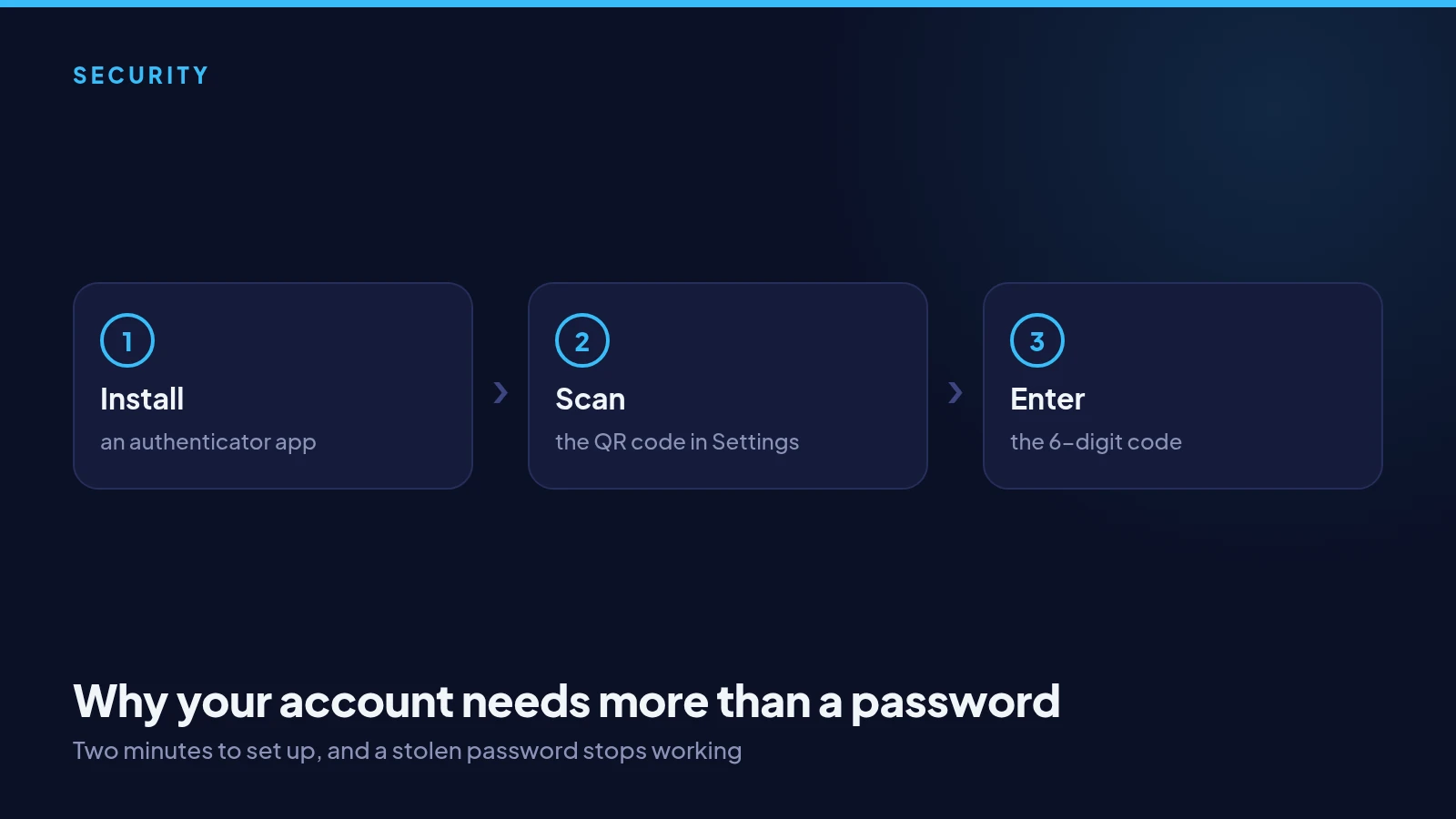
In Settings, choose to turn on two-factor authentication. Scan the QR code with your authenticator app, or type the key shown under it, then enter the six-digit code the app displays. Save the recovery codes somewhere safe and offline: they are how you get back in if you lose the phone.
A habit worth having everywhere
Turn on an authenticator for your email and your exchange account as well as for fourdigits. Your email is the key to resetting everything else, so it deserves the strongest protection you have. Two minutes of setting up is much cheaper than recovering an account.